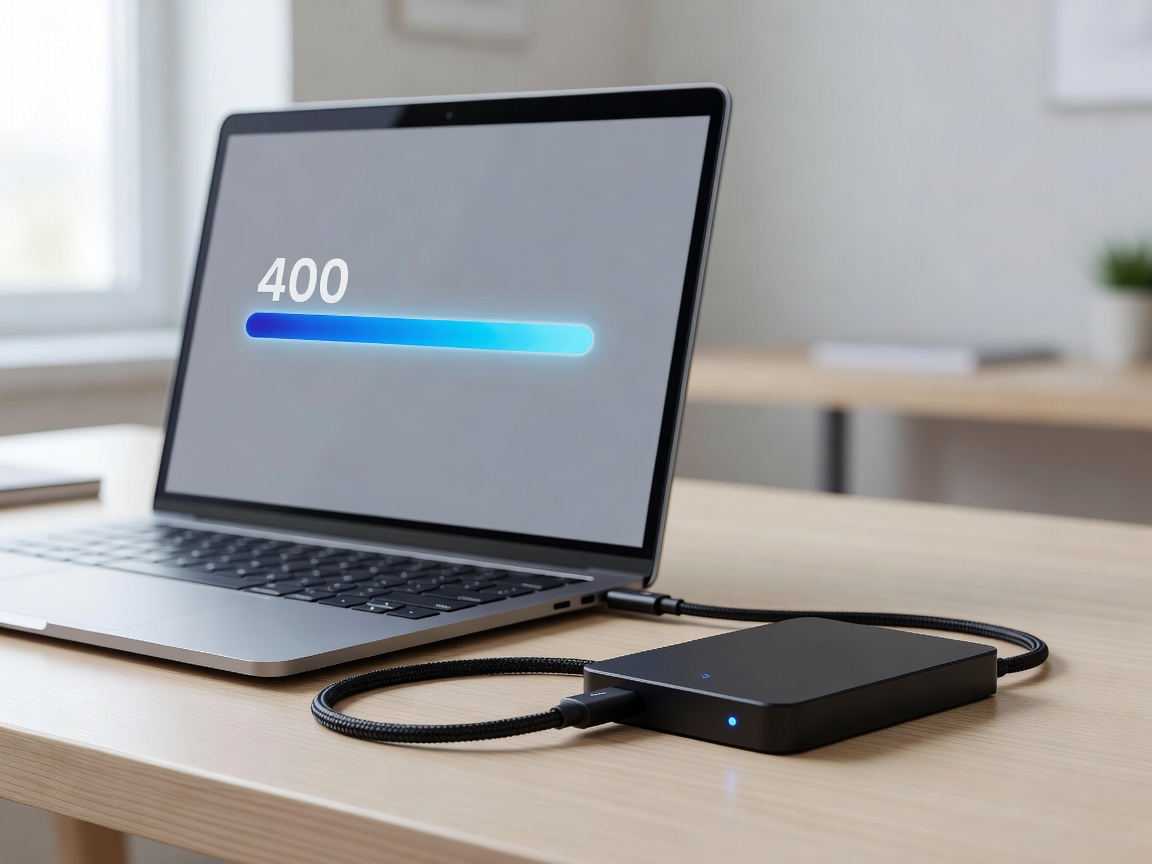
A corrupted SD card, a stolen laptop, or a lost smartphone can instantly erase weeks of irreplaceable travel memories or critical work documents. Travel is inherently hostile to digital hardware. Drops, dust, extreme humidity, and theft are ever-present risks. Implementing a robust, resilient portable storage strategy is non-negotiable for photographers, digital nomads, and casual tourists alike.
The Extinction of Hard Disk Drives (HDDs) for Travel
For years, spinning magnetic hard drives (HDDs) were the standard for cheap mass storage. However, HDDs contain delicate moving parts—read/write heads hovering nanometers above spinning platters. A minor bump while the drive is operating, or a short drop from a cafe table, can result in a catastrophic mechanical failure and total data loss. In the context of travel, HDDs represent an unacceptable risk.
The modern standard is the Solid State Drive (SSD). Utilizing NAND flash memory with zero moving parts, SSDs are inherently shock-resistant. The specific format to look for is NVMe (Non-Volatile Memory Express) SSDs enclosed in rugged casing. These drives are slightly larger than a credit card, weigh mere grams, and can survive drops of up to three meters onto concrete.
Understanding Speeds and Interfaces
Speed dictates how fast you can ingest 4K video files or run editing software directly off the external drive. Portable SSDs are generally bottlenecked not by the flash memory, but by the USB interface.
The USB Naming Confusion
The USB standard naming convention is notoriously confusing. When evaluating drives, look for the raw megabyte per second (MB/s) rating:
- ~500 MB/s (SATA SSDs / USB 3.0): The older baseline. Fine for photo backups and general document storage.
- ~1050 MB/s (NVMe / USB 3.2 Gen 2): The current sweet spot for price-to-performance. Excellent for editing 4K video directly from the drive.
- ~2000 MB/s (NVMe / USB 3.2 Gen 2x2): Extremely fast, but requires a computer port that specifically supports Gen 2x2 (many modern laptops do not, meaning the drive will default back to 1050 MB/s speeds).
- ~3000+ MB/s (Thunderbolt 3/4 / USB4): Premium drives for heavy professional video editing. Highly expensive.
Ingress Protection: IP65 and IP68 Ratings
When selecting a drive, evaluate its ruggedness through its IP (Ingress Protection) rating. The first digit represents dust resistance, and the second represents water resistance.
- IP65: "Dust tight" and protected against water jets from any angle. (It can survive rain and spills, but not submersion).
- IP68: "Dust tight" and protected against continuous submersion in water (usually up to 1.5 meters for 30 minutes).
For adventure travel, safaris, or beach-heavy itineraries, an IP65 or IP68 rating is heavily recommended.
The 3-2-1 Backup Strategy for Travel
A single external SSD is a copy, not a backup. Hardware fails, and bags get stolen. Professional data managers adhere to the 3-2-1 rule: Three total copies of your data, on two different media types, with one copy off-site. For a traveller, this looks like:
- Copy 1 (Working Data): The original files on your camera's SD card or your laptop's internal drive.
- Copy 2 (Local Backup): The files backed up nightly to your portable, rugged NVMe SSD kept in a separate bag from your laptop.
- Copy 3 (Off-site): An automatic sync to a cloud service (Google Drive, Dropbox, Backblaze) whenever you reach reliable hotel Wi-Fi. If cloud bandwidth is unavailable, a second SSD mailed home or kept in the hotel safe serves as the physical off-site backup.
Security is the final layer. Hardware encryption is built into most premium SSDs. Utilizing the manufacturer's software to set a password ensures that if the drive is lost, your personal data, client files, and passport scans remain completely inaccessible to thieves.